How should a project choose between fingerprint, face, RFID and PIN?
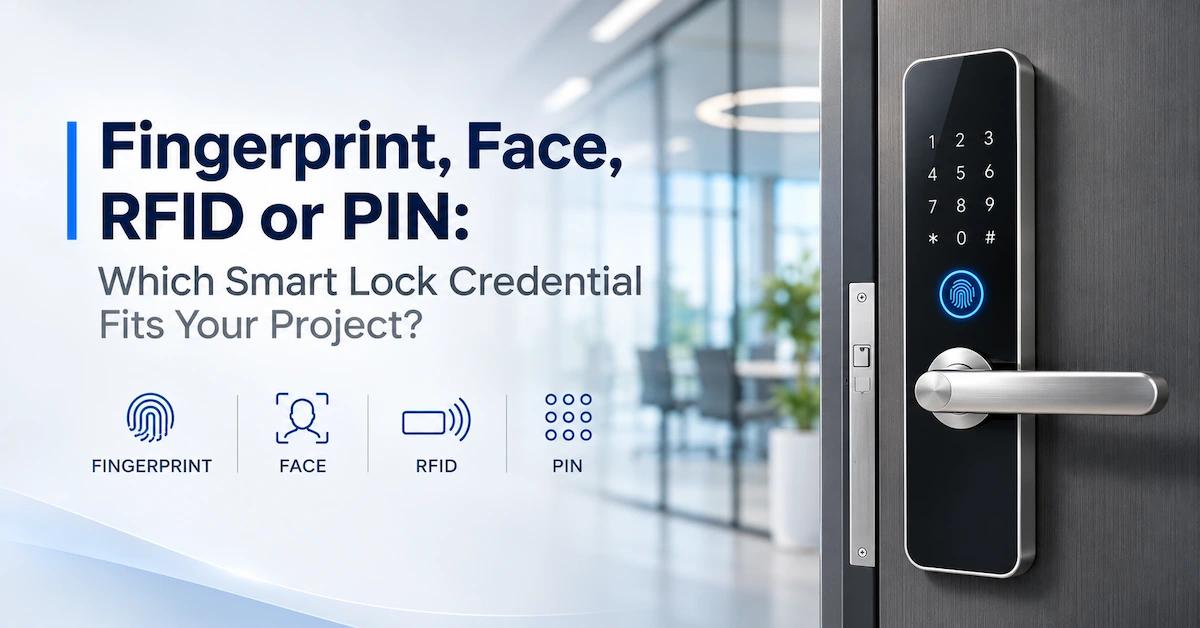
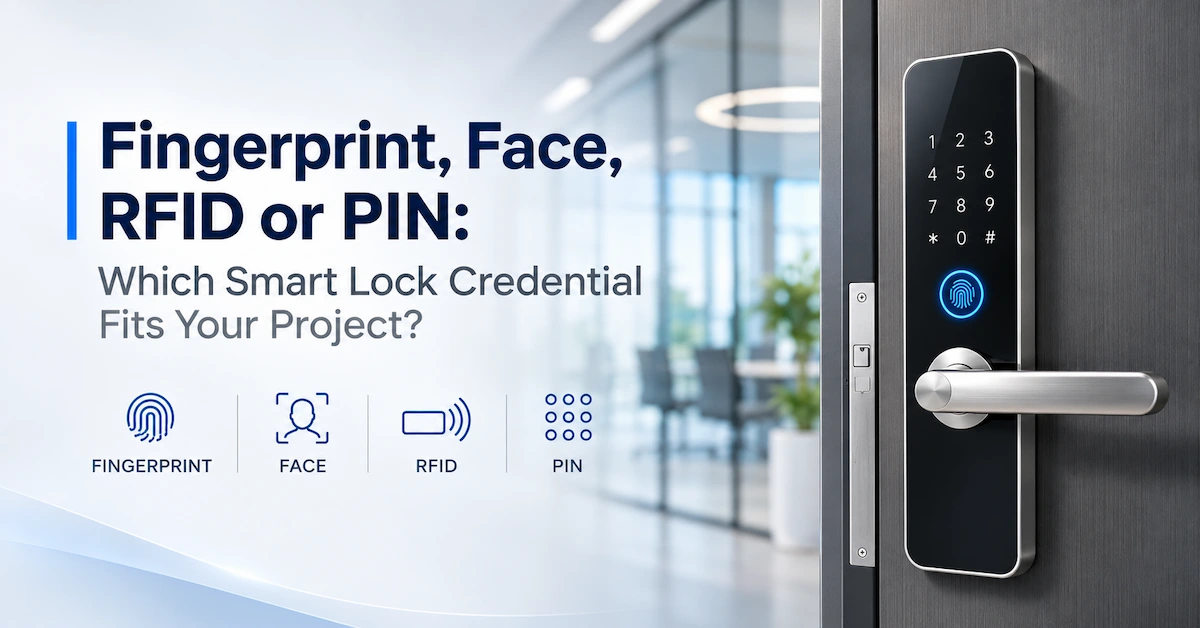
Choose a biometric smart lock supplier by starting with the access task, not with the most impressive credential on a brochure. Fingerprint is often efficient for known staff on controlled doors; face or palm recognition can remove touch points at selected entrances; RFID is practical for issued cards, hotel operations and replacement workflows; PIN is useful when credentials must be shared, temporary or issued without a physical token. The correct choice depends on the users, door, environment, privacy policy, fallback method, connectivity and operating team.
This scenario guide is for hotel engineering teams, apartment operators, office and campus integrators, security distributors, low-voltage contractors, property managers and private-label brands. It answers the procurement question behind a common RFQ: which smart-lock credential can deliver secure, usable and supportable access across the actual door schedule?
What makes a credential suitable for a B2B project?
A credential is suitable when it can be issued, used, revoked, audited and recovered within the project's real operating responsibility. A fast unlock is only one part of the decision. The project team should know who enrolls a user, who approves access, how a lost credential is disabled, what happens when the network or battery fails, which events are retained and how the door is opened during an emergency.
Map the user population before selecting the reader
Separate residents, hotel guests, staff, cleaners, contractors, visitors, students, security teams and emergency responders. Their access periods, training, privacy expectations and turnover are different. Fingerprint may be efficient for a permanent facilities team but inconvenient for rotating contractors. RFID may fit a hotel badge process but create card issuance and replacement work in a large apartment portfolio. PIN can be easy to distribute but requires protection against sharing and observation. Face can reduce contact but requires a clear policy for enrollment, retention and alternative access.
Describe the opening and the scene
Record door material, thickness, handing, current lock body, frame clearance, strike, exposure, egress and expected traffic. Then document lighting, user distance, queue behavior, gloves, wet hands, dust, rain, reflective surfaces and whether the entrance is private or public. These details are especially important when a biometric smart lock supplier proposes face or palm recognition. A credential can be technically supported while the mounting location is wrong for the user flow.
Define the failure and fallback path
Every project needs a tested answer for a lost card, forgotten PIN, unreadable fingerprint, blocked camera, depleted battery, disconnected gateway, expired guest code and emergency release. A fallback credential should follow the same authorization and event policy as the primary method. Do not solve a biometric exception by leaving an untracked mechanical key or shared code in circulation.
| Project question | Why it changes credential choice | Evidence to request from the supplier |
|---|---|---|
| Who uses the door? | Permanent staff, guests, residents and contractors need different enrollment, expiry and recovery workflows. | User groups, administrator roles, credential capacity, revocation method and event fields. |
| Where is the lock? | Indoor offices, hotel rooms, exterior gates and narrow aluminium doors create different mechanical and environmental limits. | Door range, mounting guidance, operating environment, ingress scope and installation drawing. |
| What is the peak flow? | Queues expose slow capture, repeated reads, card handoff and PIN-entry friction. | Representative throughput test, recognition conditions, retry behavior and acceptance method. |
| What happens offline? | Network loss can affect temporary access, revocation, event storage and administrator control. | Local permissions, time source, event cache, recovery synchronization and power-failure behavior. |
| Who owns privacy and security? | Biometric templates, cards and codes carry different policy and handling responsibilities. | Data flow, deletion controls, roles, retention boundary and documented alternative credential. |
| How will the order be supported? | Samples, batteries, cards, firmware, spare parts and training affect lifecycle cost. | Configuration reference, support owner, warranty scope, spare parts and change process. |
When is fingerprint the right smart-lock credential?
Fingerprint is usually a strong fit for known users who need quick access on a controlled door and do not want to carry a card. It can work well in private offices, executive rooms, staff-only areas, apartment owner doors and selected commercial entrances. The value is not only the sensor. It is the ability to enroll a defined user, associate the record with an authorization policy, revoke it when the role ends and keep a recovery path for users whose finger cannot be read. A biometric smart lock supplier should show how that lifecycle is administered, not only how quickly the sensor unlocks.
Fingerprint strengths for operations teams
- No physical token is required, reducing card issue and replacement work for known users.
- The credential can be tied to an individual enrollment record rather than a shared code.
- Fast local verification can reduce friction at staff doors and low-to-medium traffic openings.
- Many lock formats can combine fingerprint with PIN, RFID or a mechanical emergency method.
Fingerprint limitations that belong in the RFQ
Wet, dirty, gloved or damaged fingers can reduce successful reads. A site with heavy contractor turnover may also spend more time enrolling and removing users. Ask the biometric smart lock supplier for enrollment capacity, retry behavior, false acceptance and rejection evidence, sensor type, user guidance, template deletion and the fallback method. Do not transfer a laboratory accuracy claim to every door without a representative test.
KEYPLUS evidence: R7, T8 and N11
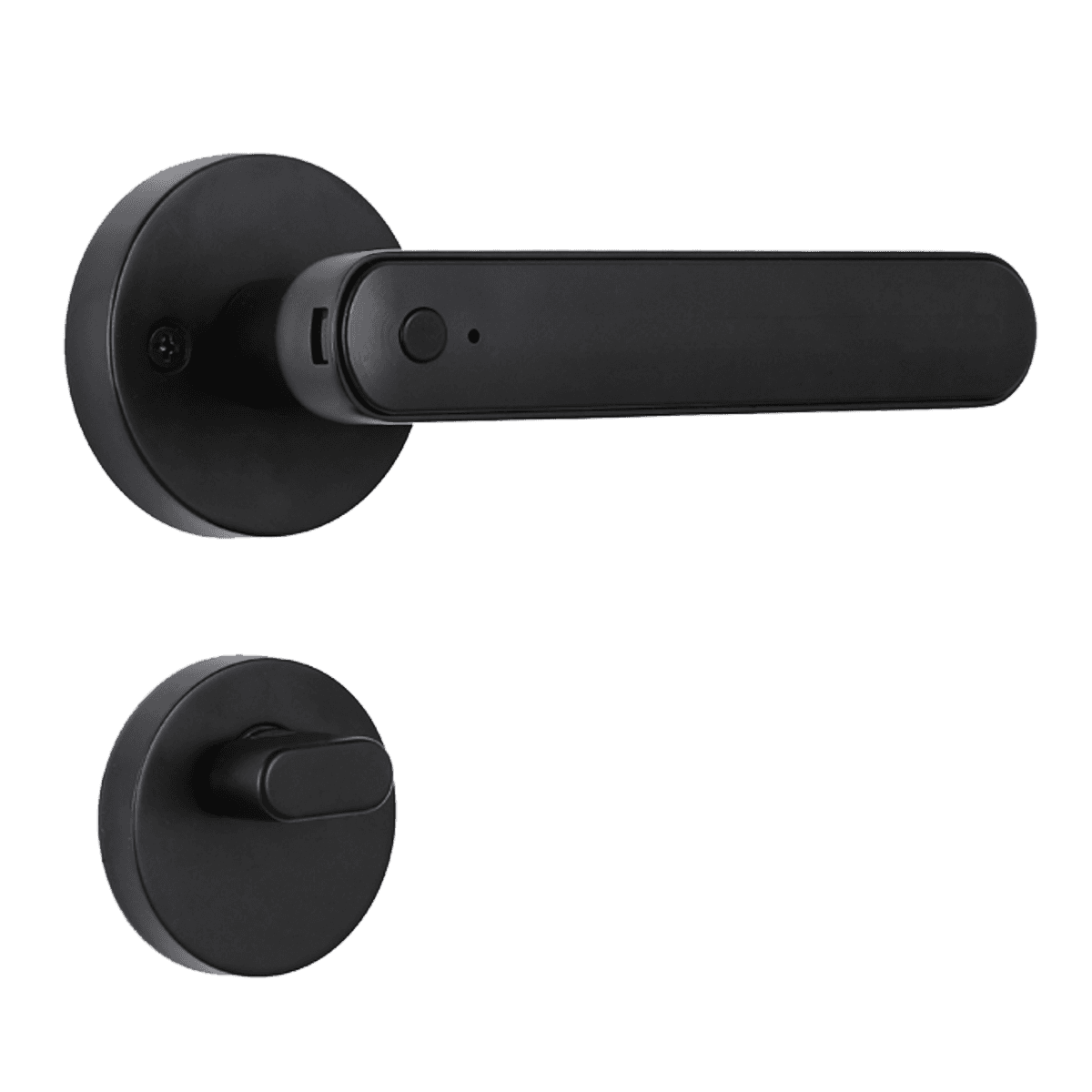
The public R7 Smart Lever Lock page identifies a zinc-alloy lever format, semiconductor fingerprint access and Tuya BLE app management. It states storage for up to 50 fingerprint profiles, four AAA batteries and a 35-55 mm door range. The page also lists PIN, key-fob and mechanical-key carriers, while the exact configured variant should be confirmed before treating those carriers as part of an order.
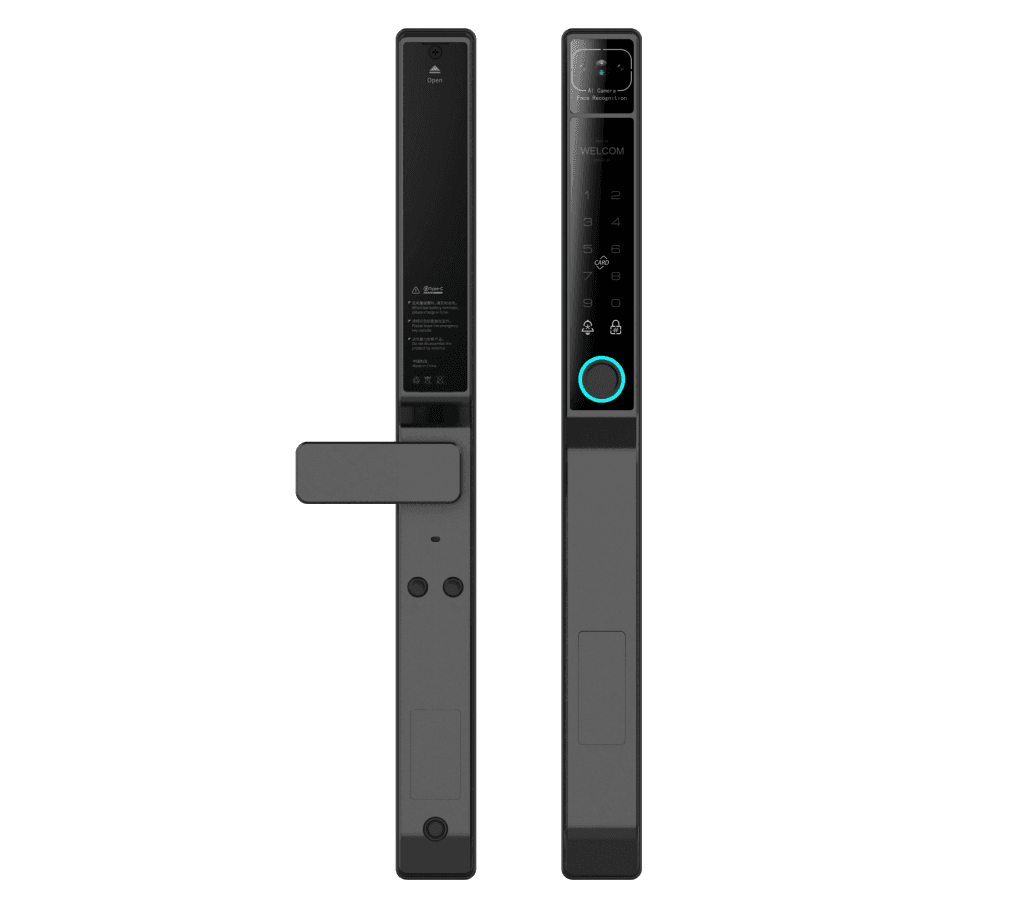
The T8 Narrow-Profile Smart Lock is a different scenario: a slim zinc-alloy format for compatible narrow frames. Its public page lists fingerprint, smart card, passcode and TT Lock app functions, up to 120 fingerprints, 200 cards and 150 passcodes, and a 10,000-cycle battery claim. Confirm the door preparation, credential capacity and current firmware for the selected configuration.
For a higher-volume commercial workflow, the N11 Smart Lock page lists direct Tuya Wi-Fi, fingerprint access in 0.5 seconds or less, combined storage for up to 300 access data points and a 40-65 mm door range. These public facts support a shortlist; they do not replace a project sample, network test or quotation that names the final variant.
When should a project choose face or palm recognition?
Face or palm recognition can be appropriate when the project wants hands-free or touchless entry, when users should not carry a card, or when the entrance experience is part of the design brief. It is most credible where the camera or sensor has a controlled capture zone, the user policy is clear and an alternative credential is available. A face terminal on a public gate, a lock on a private office and a hotel room are not the same use case. The biometric smart lock supplier must therefore document the capture scene, privacy boundary and fallback before the project compares recognition claims.
Face and palm benefits
- Hands-free operation can reduce touch points at selected entrances.
- Recognition can support a modern experience for offices, residences and premium facilities.
- Multiple credentials can be placed in one lock when the user population is mixed.
- Face or palm can complement, rather than replace, RFID, PIN or fingerprint fallback.
Scene, privacy and fallback are the real decision
Face recognition depends on distance, height, lighting, movement, occlusion, camera angle and liveness behavior. Palm recognition also depends on the capture zone and user cooperation. Define a lawful purpose, notice or consent process where required, template retention, deletion, administrator access, event audit and an alternative for people who cannot or do not want to enroll. Technical support for face does not by itself satisfy local privacy or employment requirements.
KEYPLUS evidence: AZ60
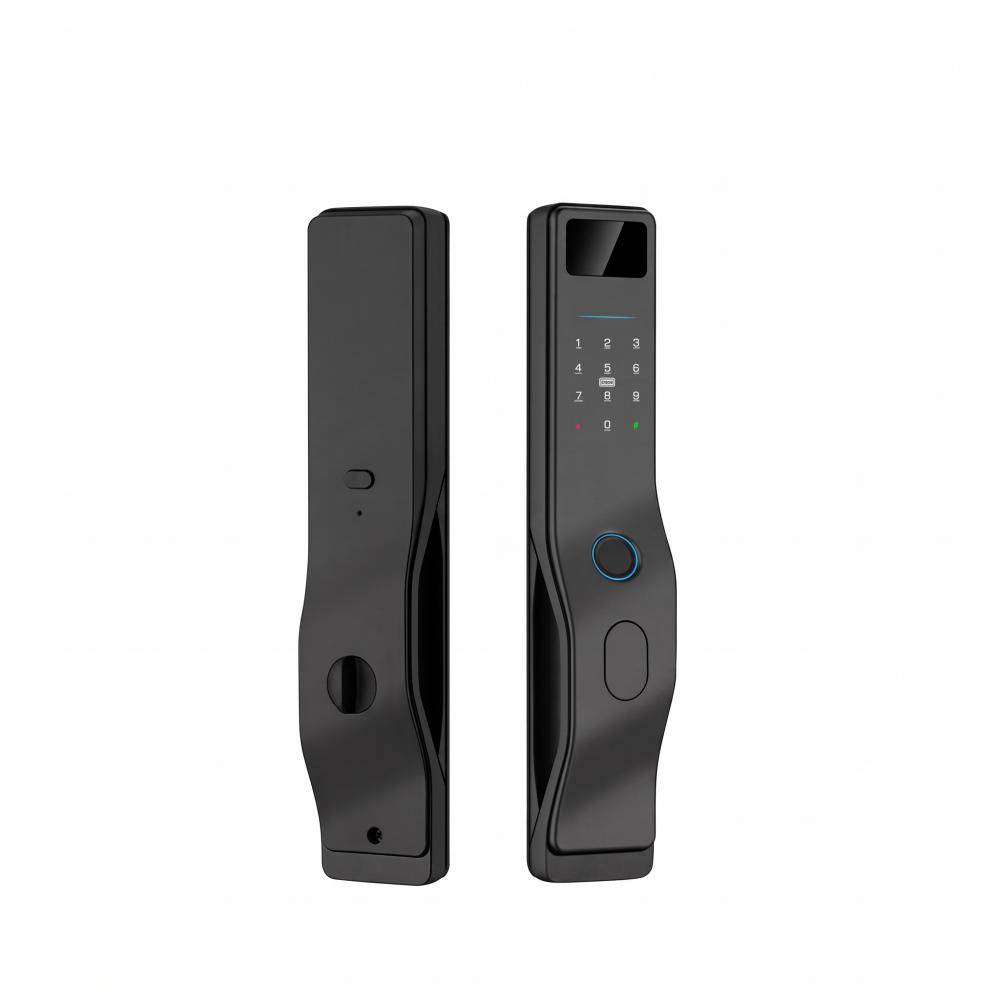
The public AZ60 Facial Recognition Smart Lock page describes a space-aluminium handle format with 3D face and palm-vein recognition, fingerprint, smart card, six-digit password, Tuya or TT Lock app options and an IP65 claim. It lists 50 face profiles, 50 palm-vein records, 100 fingerprints, 199 cards and 199 passwords, with a stated face and palm recognition range of 0.4 to 1 metre and best performance around 0.6 metre. It also states a 40-80 mm door range and a rechargeable battery system. These are model-page facts, not a promise that every face or palm installation will achieve the same result. Validate the scene, variant, firmware, policy and fallback method with a representative sample.
When is RFID the most practical credential?
RFID is often the practical choice when a property already issues cards, badges or room keys and needs a familiar process for guests, residents, employees or contractors. It is easy to hand over, replace and understand at scale. RFID also works well as a fallback for biometric users and as a controlled credential for people who should not be enrolled in a biometric system.
Where RFID performs well
- Hotels can connect card issuance to a guest stay, room change and checkout workflow.
- Apartment operators can issue resident, staff and contractor cards with separate expiry rules.
- Offices and campuses can align badges with identity and access schedules already in use.
- Distributors can explain a familiar credential while offering a smart-lock upgrade path.
RFID questions a supplier must answer
Ask which card technology and frequency are supported, whether the lock reads the buyer's existing cards, how a card is enrolled and revoked, whether lost cards are searchable in event records, and what happens offline. Confirm card supply, encoding responsibility, spare readers, compatibility with the hotel's or building's identity system and the mechanical lock format. A supplier should not infer compatibility from the word RFID alone.
For hotel and managed-property projects, connect the lock decision to the wider Access & Identity system boundary. Define which platform is authoritative for users, schedules, events and revocation. A lock that reads a card locally can still require a separate process for issuing, updating and auditing that card.
When is PIN the right choice?
PIN access is useful when the buyer needs temporary codes, shared operational access or a credential that can be issued without a card or biometric enrollment. It can suit contractor entrances, serviced apartments, meeting rooms, storage areas and guest workflows where a time-limited code is easier to distribute than a physical token.
PIN strengths
- Codes can be created for a time window and shared through an existing operational channel.
- No card stock or biometric enrollment is required for short-duration access.
- PIN can remain available when a finger is unreadable or a face capture scene is unavailable.
- Different user groups can receive separate codes if the platform supports accountable administration.
PIN risks
Users can share, observe or reuse a code. The RFQ should define code length, virtual or anti-peep input, one-time or scheduled behavior, expiration, failed-attempt handling, event logging, administrator roles and revocation. A PIN is not automatically low risk because it is convenient. The operating team must know who issued it, why it exists and when it should stop working.
Should a B2B project use one credential or a hybrid mix?
Most multi-door projects should specify a credential policy rather than force one reader type everywhere. The primary method can vary by door, while the administration, audit and emergency rules remain consistent. For example, a hotel may use RFID for guest rooms, PIN for selected service access, fingerprint for engineering areas and a mechanical emergency method governed by management. An office may use fingerprint for private rooms, RFID for the main employee path and PIN for time-limited contractors.
| Scenario | Primary credential candidate | Useful fallback | Procurement checkpoint |
|---|---|---|---|
| Private office or executive room | Fingerprint | PIN or mechanical key under controlled policy | Enrollment, revocation, door fit, battery and event review. |
| Hotel guest room | RFID card or project-approved mobile method | PIN or mechanical emergency procedure | Guest lifecycle, card encoding, PMS boundary, checkout and lost-card handling. |
| Exterior residential entrance | Face/palm or RFID, depending on scene and policy | Fingerprint, PIN or card | Weather, capture distance, privacy, alternative access and local operation. |
| Apartment contractor door | Time-limited PIN or card | Fingerprint for recurring staff | Expiry, sharing controls, audit history and turnover workflow. |
| Commercial staff door | Fingerprint or RFID badge | PIN for approved exceptions | User population, peak flow, network recovery, admin roles and support. |
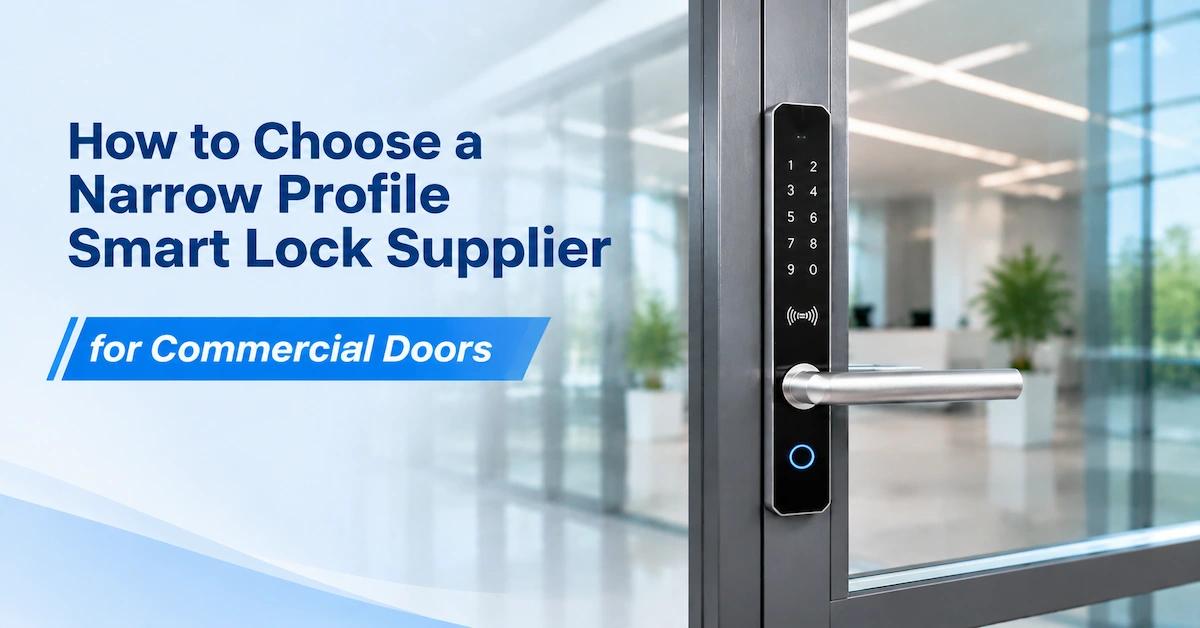
| Narrow aluminium frame | Credential follows the compatible T8-style lock configuration | Card, PIN or fingerprint as supported | Stile width, mortise, frame clearance, exposure and exact carrier list. |
How should a biometric smart lock supplier prove the selected model?
Ask for evidence in the same order as the project risk. First, prove that the lock fits the opening. Second, prove that the credential works for the intended users and conditions. Third, prove the administration, offline, emergency and event behavior. Finally, confirm the commercial boundary: sample, configuration, documentation, MOQ, lead time, packaging, warranty and support. This sequence gives a biometric smart lock supplier a clear evidence request and gives the buyer a defensible comparison record.
Use a model-specific evidence table
| Evidence area | What to record | What not to assume |
|---|---|---|
| Mechanical fit | Door thickness, handing, lock body, strike, backset, frame and egress. | A similar-looking door or product photograph proves compatibility. |
| Credential behavior | Carrier type, capacity, enrollment, retry, expiry, revocation and fallback. | A carrier icon means every variant includes the same hardware or firmware. |
| Recognition performance | Users, distance, light, movement, retry policy, test method and acceptance threshold. | A laboratory claim transfers automatically to a different entrance. |
| Data and integration | App, gateway, Wi-Fi/BLE, local cache, events, synchronization and ownership. | An app name proves complete access-control integration. |
| Power and emergency | Battery type, low-voltage alert, emergency port, mechanical override and recovery. | Battery life is fixed across every use pattern and configuration. |
| Commercial scope | Sample, MOQ, lead-time milestone, packaging, warranty, spares and change control. | One universal MOQ or delivery promise covers all customized orders. |
Read product pages as shortlist evidence
KEYPLUS public model pages give buyers useful starting facts: R7 for fingerprint-led lever access, T8 for narrow frames with multiple carriers, AZ60 for face and palm options on compatible doors, and N11 for commercial fingerprint access with direct Tuya Wi-Fi. The portfolio also includes other lock formats for glass doors, push-pull doors, deadbolts, rim locks and gates. The Manufacturing & Quality page can support a request for the process and inspection evidence behind a proposed configuration.
How should integrators test credentials before a batch order?
A sample test should reproduce the project, not a showroom. Install the proposed model on a representative door or a controlled mock-up with the same lock body, frame, finish, reader position, network path and power method. Use representative users and record both successful and failed attempts. The test should be written before the supplier receives the final purchase order.
Credential acceptance checklist
- Enroll and delete each user group.
- Test normal access, invalid access and repeated retries.
- Test lost card, expired PIN and revoked biometric profile.
- Test wet, dry, gloved or partially obstructed user conditions where relevant.
- Test face or palm distance, height, lighting and movement at the actual entrance.
- Test offline operation, time limits and event storage.
- Remove network power and restore it; verify synchronization.
- Check low-voltage warning and emergency power procedure.
- Verify mechanical override and emergency egress responsibility.
- Confirm app roles, audit logs, firmware reference and configuration record.
- Record observed result, evidence file, tester and unresolved action.
For a project that connects locks to a wider access policy, include the Access & Identity system owner in the acceptance test. For hotel or rental projects, include the team responsible for guest or resident turnover. A credential test is incomplete if it proves only that a lock opens.
What should the RFQ ask a biometric smart lock supplier?
A decision-ready RFQ avoids the most common comparison error: asking every supplier for "a smart lock with fingerprint and card" without defining the door, workflow or evidence. Use the following fields and require the supplier to separate standard functions, selected options, engineering changes and unconfirmed items.
- Buyer type, project role and destination market
- Door schedule, material, thickness, handing and drawings
- Opening type, traffic pattern, environment and egress
- User groups, active population and growth period
- Primary credential and approved fallback
- Face or palm capture scene, distance and lighting if applicable
- Card type, code policy, fingerprint capacity and template deletion
- App, BLE, Wi-Fi, gateway, API or platform boundary
- Offline, battery, emergency power and event requirements
- Sample quantity, pilot site and acceptance tests
- Finish, branding, packaging, manual and labeling scope
- Quantity, forecast, MOQ, target delivery and approval milestones
- Compliance documents and local installation responsibilities
- Warranty, spare parts, firmware updates and support owner
The KEYPLUS RFQ path can be used to send the product category, model or function, estimated quantity, target market, certification needs and project message. Include the door schedule and credential workflow so the response can identify a suitable model instead of returning an unbounded catalog.
How should buyers compare total project value?
Credential price is not the same as project cost. A card system may need card stock, encoding and replacement; a biometric system may need enrollment time, privacy controls and a tested alternative; a PIN system may need stronger administration and incident review; a connected lock may need gateways, network work and software support. Compare the cost of issuing, maintaining, revoking and recovering each credential over the project's expected life. Ask the biometric smart lock supplier to separate standard hardware, selected carriers, platform fees, consumables and support assumptions in the quotation.
| Cost and risk item | Fingerprint / face / palm | RFID | PIN |
|---|---|---|---|
| Initial setup | Enrollment policy, templates, sensor and scene validation. | Cards, encoding and identity assignment. | Code policy, distribution and administrator setup. |
| Daily operation | Fast for enrolled users; exceptions need a fallback. | Familiar handoff; cards can be lost or shared. | Convenient for temporary access; sharing must be controlled. |
| Revocation | Delete profile or disable identity through the defined platform. | Disable the specific card and preserve the audit trail. | Expire or change the code and record the responsible issuer. |
| Maintenance | Sensor cleaning, enrollment support, battery and firmware checks. | Card stock, reader condition and replacement process. | Code rotation, keypad condition and incident response. |
| Project risk | Scene, privacy, user condition and recognition limitations. | Technology compatibility, loss and issuance discipline. | Observation, sharing, forgotten codes and weak accountability. |
Frequently asked questions about biometric smart lock suppliers
Is a biometric smart lock always better than RFID or PIN?
No. Biometric access can improve accountability or convenience for defined users, but it can introduce enrollment, privacy, scene and exception-management requirements. RFID or PIN may be more practical for guests, contractors, temporary access or a property that already has a card workflow.
Which credential is best for a hotel project?
RFID is often practical for guest-room workflows because cards can be issued, replaced and expired at checkout. Fingerprint, face or PIN may suit staff, service or selected common-area doors. The final choice depends on the hotel platform, door type, guest policy, emergency operation and local requirements.
Which credential is best for apartment buildings?
Use a mix based on the entrance and user group. Residents may prefer fingerprint, face, palm or a card; contractors may need time-limited PIN or RFID; property staff may require accountable biometric or card access. Define turnover, lost credentials, offline behavior and support before choosing.
Can one smart lock support fingerprint, face, RFID and PIN?
Some models support multiple carriers, but the exact combination depends on the hardware, firmware, lock format and configuration. The AZ60 page, for example, lists face, palm vein, fingerprint, card and password options. Confirm the selected variant, capacity, user interface and current documentation before treating all listed carriers as included.
How should a buyer evaluate face recognition at a door?
Test user distance, height, movement, lighting, occlusion, retry behavior, liveness or anti-spoofing controls, privacy workflow and fallback. Use representative users and the final mounting position. Do not rely on a recognition percentage without the test method and operating limits.
What should be checked when using RFID cards?
Confirm card technology, frequency, encoding responsibility, existing-system compatibility, enrollment, revocation, offline behavior, lost-card handling and event history. A reader that says RFID may not read every card family used by the buyer.
Are PIN codes secure enough for commercial access?
PIN can be suitable when codes are unique, time-bounded, protected from observation, logged and revoked. Specify length, anti-peep input, failed-attempt behavior, expiration, administrator roles and emergency procedures. Do not use a shared permanent code as an untracked bypass.
What does a supplier need before recommending a model?
Send the door material and dimensions, opening type, user groups, credential policy, environment, traffic, network, power, fallback, target market, quantity, customization and acceptance requirements. A dimensioned door schedule is more useful than a general request for a fingerprint lock.
How should biometric templates and access data be managed?
Define purpose, enrollment authority, retention, deletion, role separation, audit records, access schedules and data flow. Confirm what remains on the lock, app, gateway or cloud service, and how data is removed when a user leaves. Local legal and organizational policy review remains necessary.
What MOQ and lead time should a biometric smart lock supplier quote?
MOQ and lead time depend on the model, credential mix, finish, packaging, branding, quantity, destination, certification and engineering scope. Request a dated, configuration-specific quotation that names approval milestones and dependencies rather than accepting a universal number.
Conclusion
Fingerprint, face, RFID and PIN are not competing feature badges; they are different operating models. Fingerprint fits many known-user doors, face or palm can support a touchless scene when privacy and capture conditions are controlled, RFID aligns with established card workflows, and PIN is useful for temporary or token-free access when sharing and revocation are governed.
A strong biometric smart lock supplier should help you map the credential to the door, user lifecycle, fallback, system boundary, evidence plan and commercial scope. Shortlist the compatible model on the Smart Locks page, test it on a representative opening, and send the completed workflow and RFQ fields for model-specific confirmation.