
Support simple occupant interactions
Make access, room or space services and temporary permissions understandable through the appropriate personal or shared terminal.
KEYPLUS · Systems
Give every person an appropriate way to use the connected space. KEYPLUS plans mobile, web, wall, kiosk, workstation and management interfaces around the user’s role, location and task rather than forcing every user into one crowded dashboard.
A guest entering a room, technician responding to an issue, security operator reviewing an event and executive examining portfolio risk have different goals. Interface design should begin with those tasks, then select the terminal, information depth, accessibility and confirmation needed for each situation.
Make access, room or space services and temporary permissions understandable through the appropriate personal or shared terminal.
Present assigned tasks, relevant device context and approved controls on interfaces suited to mobile work and constrained attention.
Design continuous-use workstations and displays around event priority, evidence, acknowledgement, escalation and response.
Separate configuration, oversight and performance information according to responsibility, with clear history and permission boundaries.
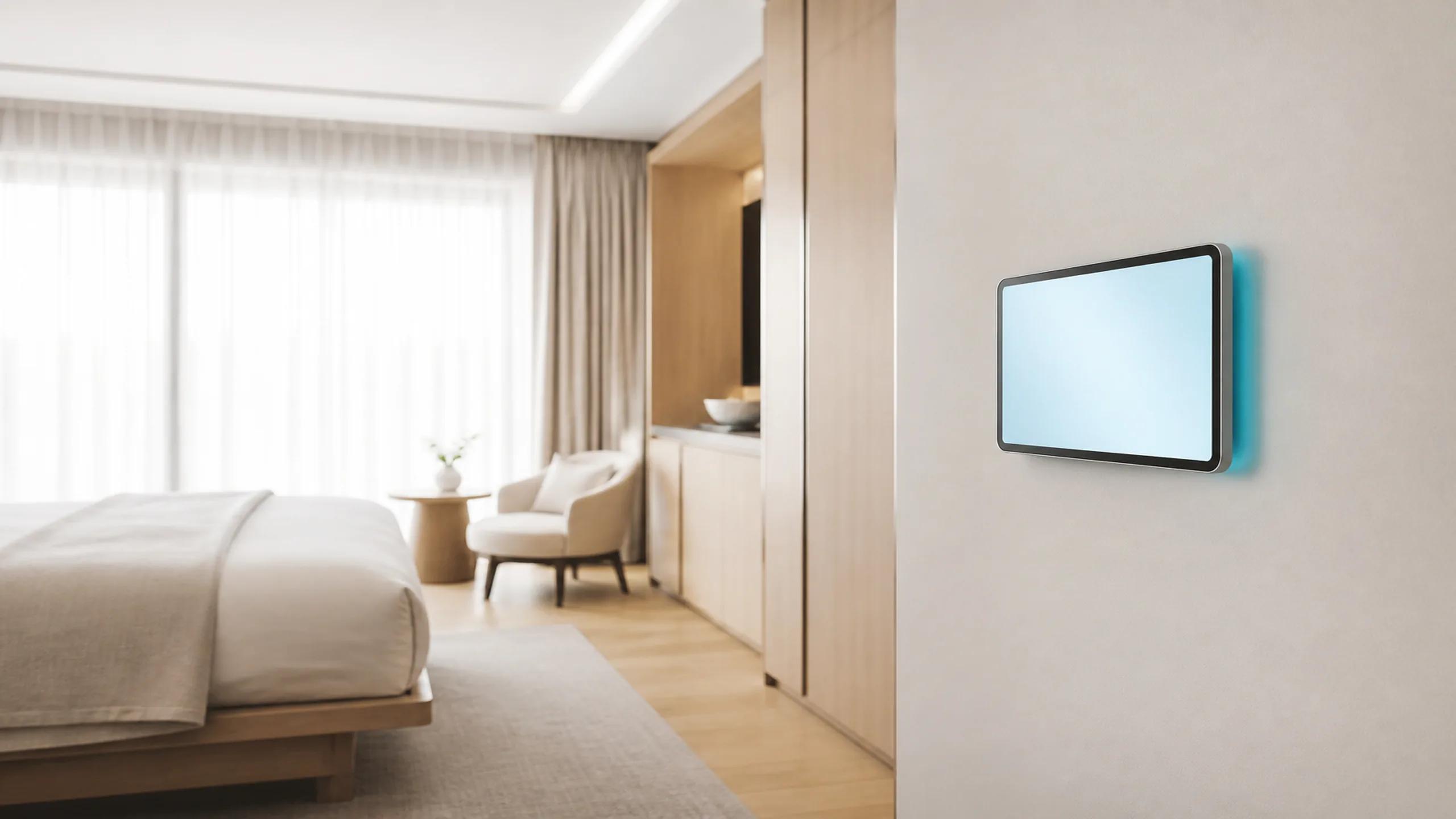
Possible endpoints include native or web applications, responsive portals, operator workstations, command-center displays, room or wall panels, kiosks, smart readers, intercom terminals and selected conversational interfaces. Identity, session behavior, accessibility, language, offline needs and device management affect selection.
Role-aware assistants can help users search approved information, understand an event or prepare a next step in natural language. Interfaces should label AI-generated content, show supporting evidence where appropriate and keep recommendations, approvals and executed actions visibly distinct.
An operator receives a prioritized event
the interface shows available location and system context
the user opens the relevant evidence
an approved task or escalation is created
status returns from the responsible team or device
the interface shows whether the required completion evidence is present.
Map users to tasks and terminals, prototype representative flows, test permissions, latency, feedback, error recovery, accessibility, language and critical action confirmation. Validate delayed or inferred data labels and provide dependable alternatives to conversational interfaces.
Hotels, apartments, campuses, offices, retail operations and hospitals need different guest, occupant, staff and operator experiences. Shared terminals require additional privacy and session controls.
No. Choose the terminal that fits the task, environment and support model.
Role-aware views can be planned when permission and data separation are validated.
No. Critical status and controls should remain available through dependable, understandable interfaces.
Share the site type, operating responsibility, approximate scale, existing equipment, required interfaces and the event or action the system must handle.