
KEYPLUS · Systems
Connected Systems for Intelligent Space Operations
Select the physical and interaction systems required by the property, then connect them around real operating responsibilities. KEYPLUS brings hardware, interfaces, operating rules and platform context into one project plan so customers can understand what each system does, how systems work together and how the result will be verified.
Seven Domains, Connected Responsibilities
Video, access and parking connect people and vehicles with the managed space. Energy, sensors and control bring field conditions into view; events and interfaces connect that information with the teams using it. Each domain contributes a different part of the operating journey.
Understand the system from four perspectives
- Application: The spaces, users and operating responsibilities the system supports.
- Components: The field devices, controllers, gateways, terminals and software interfaces required for the function.
- Integrated capability: The information or approved actions the system can contribute to a wider workflow.
- Operational value: The improvement to awareness, response, maintenance, experience or resource management that the project will test.
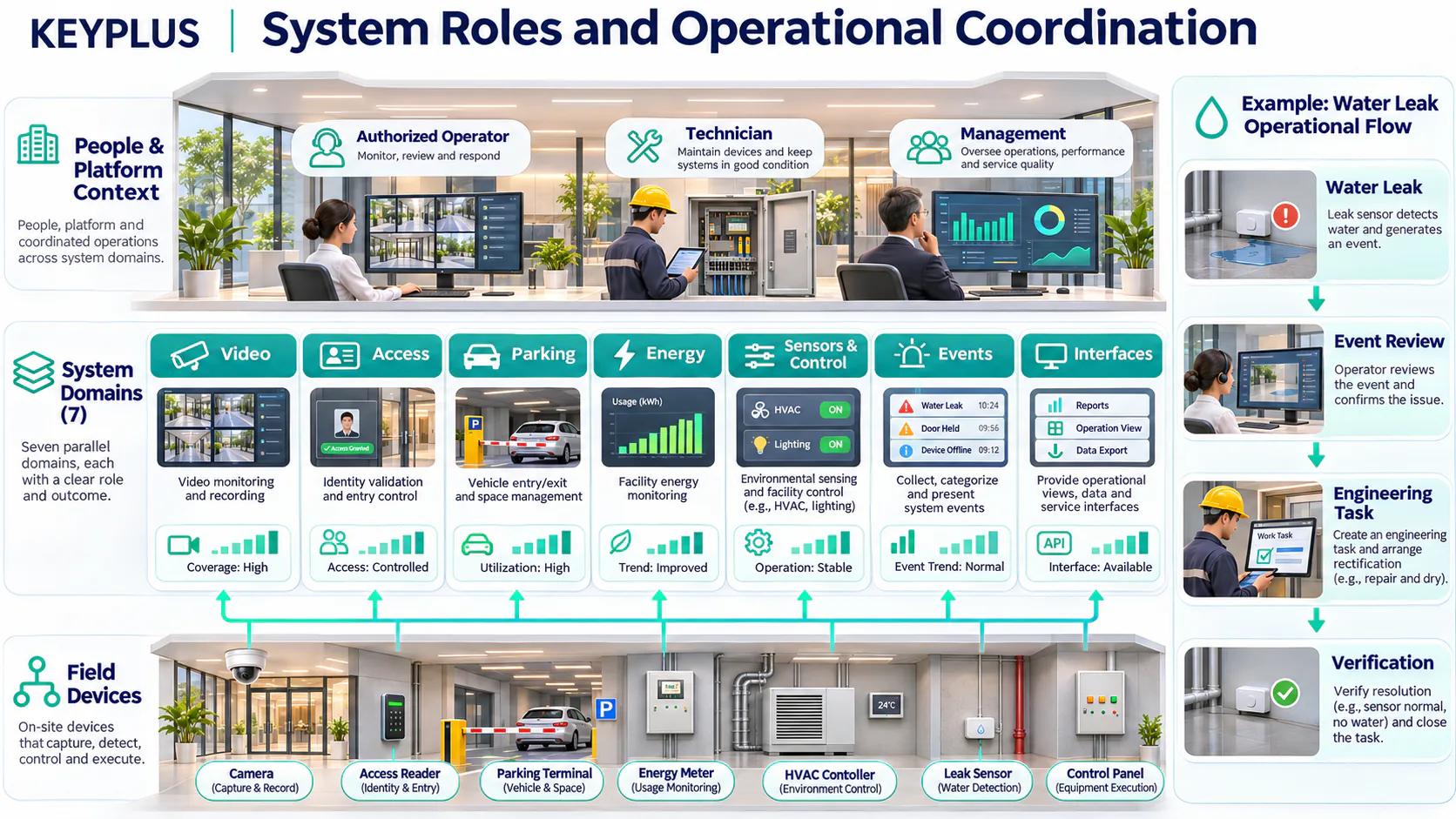
Seven system domains
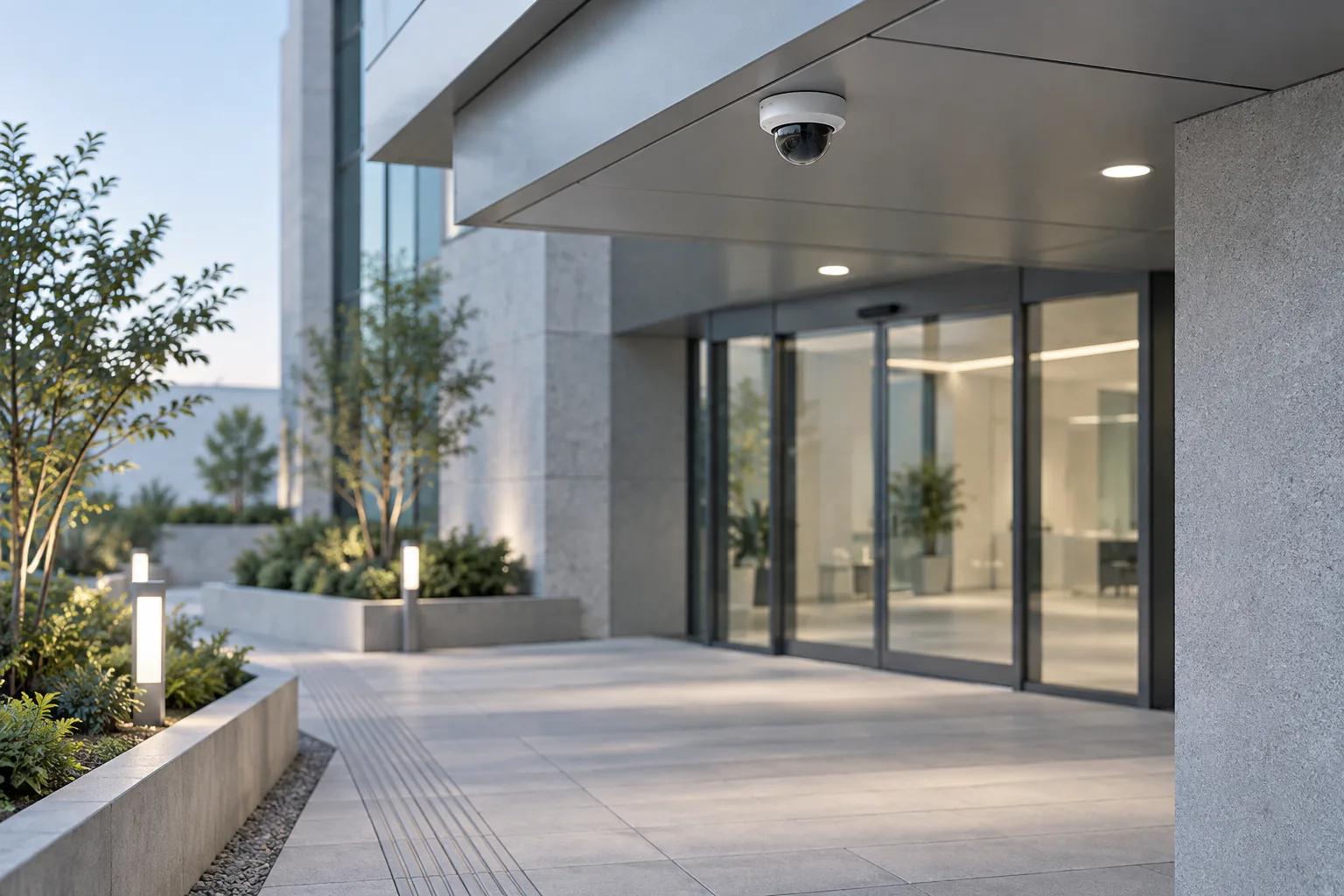
Video Security
Capture, record and analyze suitable visual information for authorized review and defined event workflows.
Explore Video Security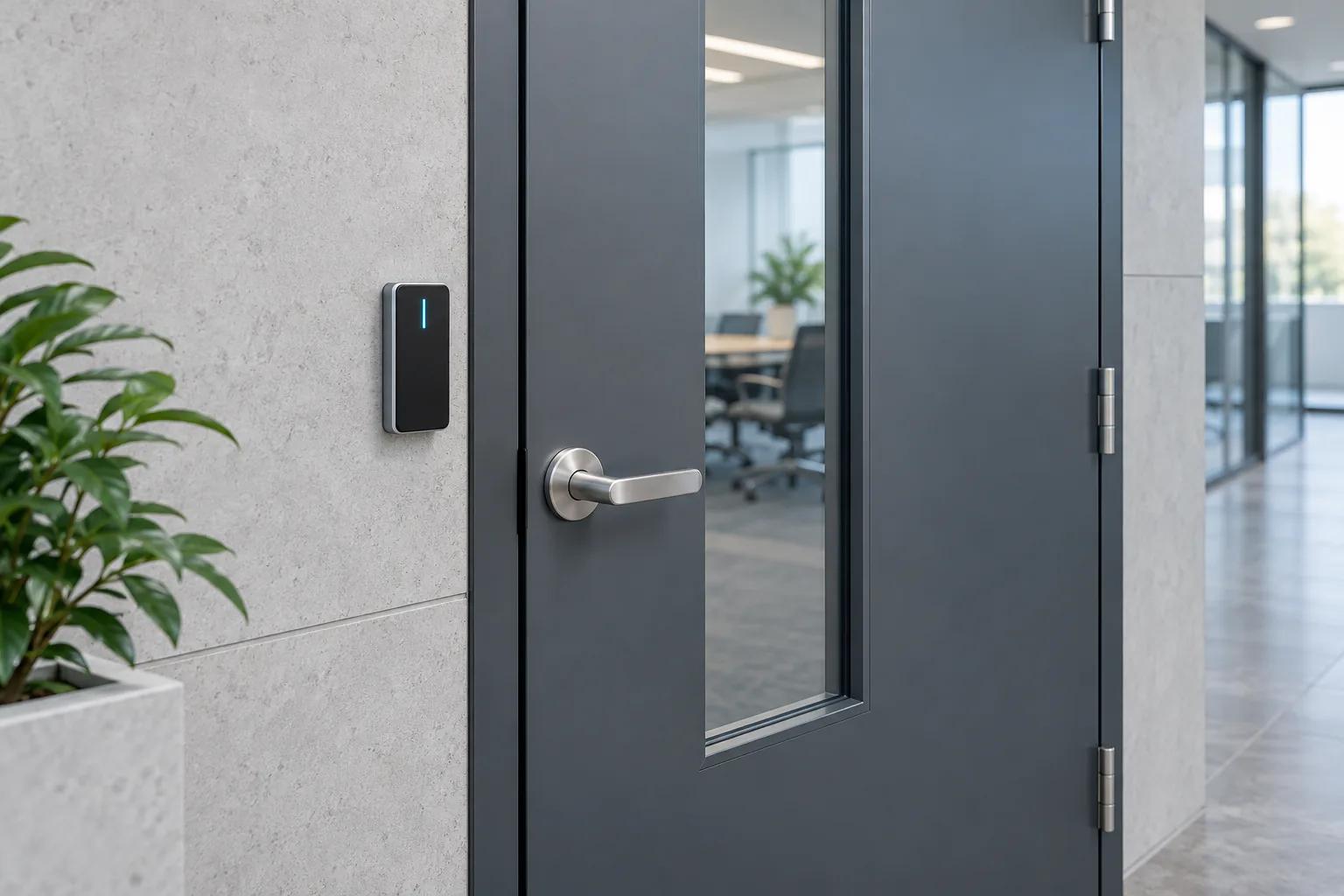
Access & Identity
Credentials, locks, readers and controllers bring approved identities into the physical access journey.
Explore Access & Identity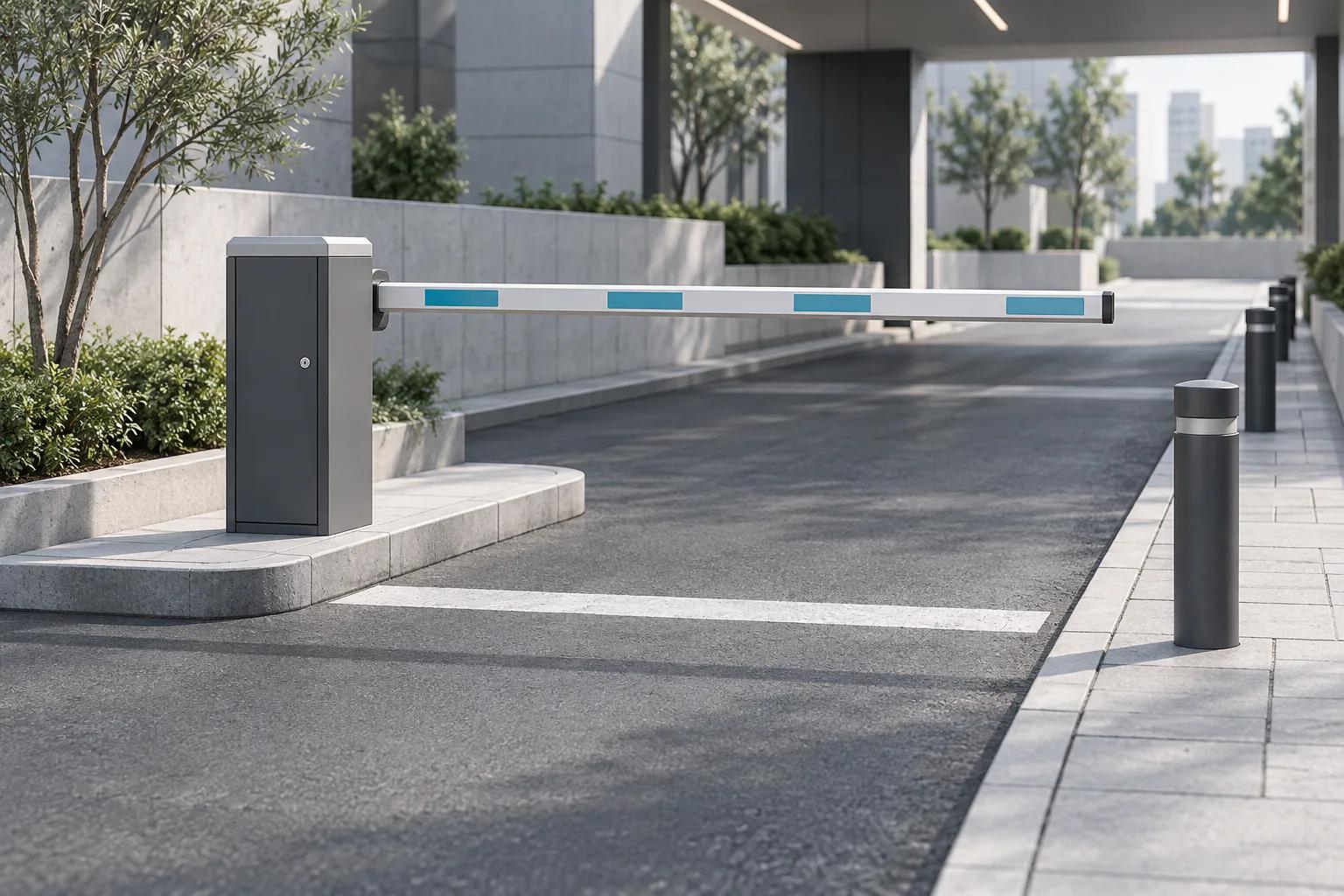
Parking
Vehicle identification, permission and lane hardware connect the arriving vehicle with its site-entry workflow.
Explore Parking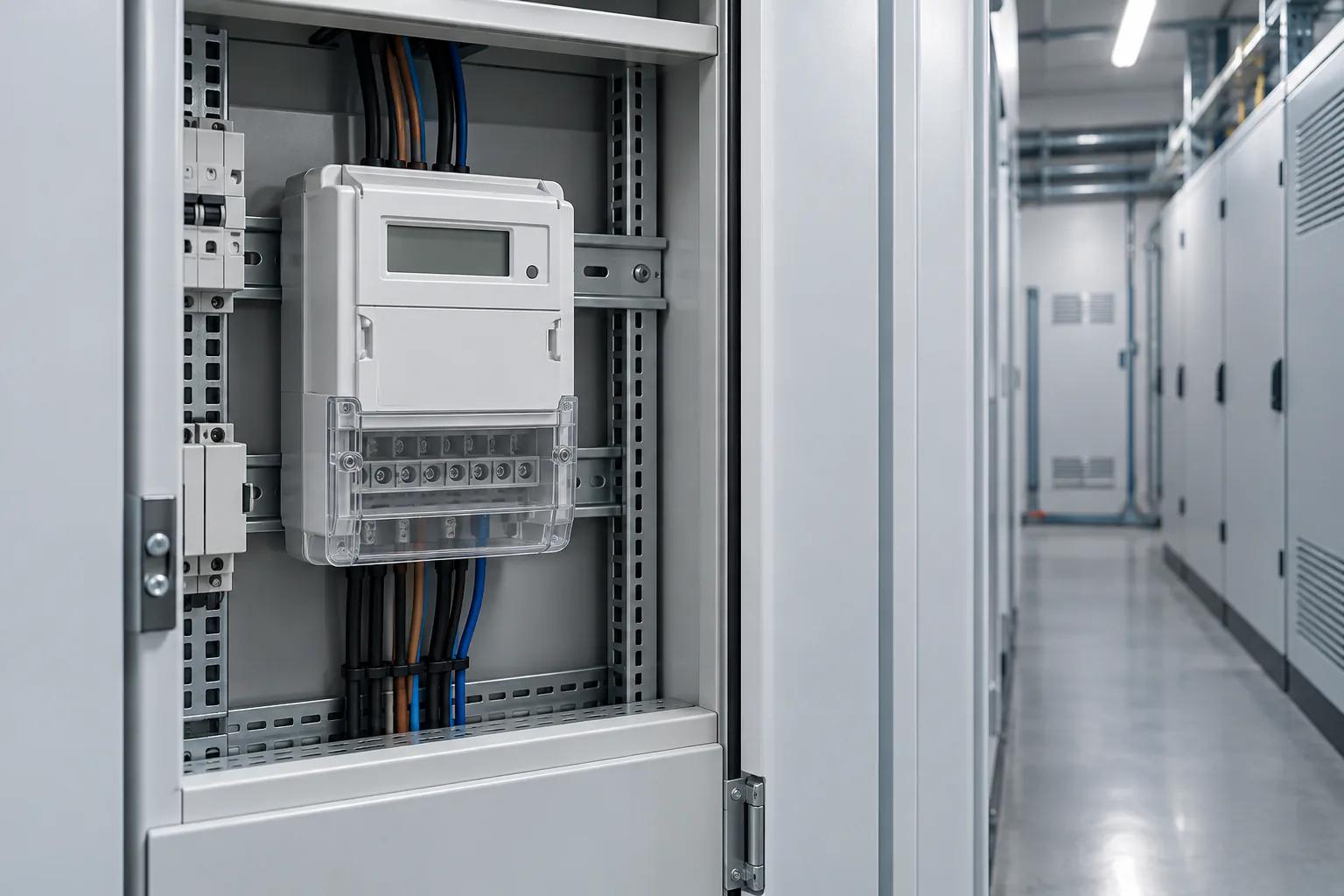
Energy
Measurement, collection and selected controls bring utility information into the building’s operating context.
Explore Energy
Sensors & Control
Detect environmental, occupancy, safety-related and equipment conditions, then perform approved actions through gateways and controllers.
Explore Sensors & Control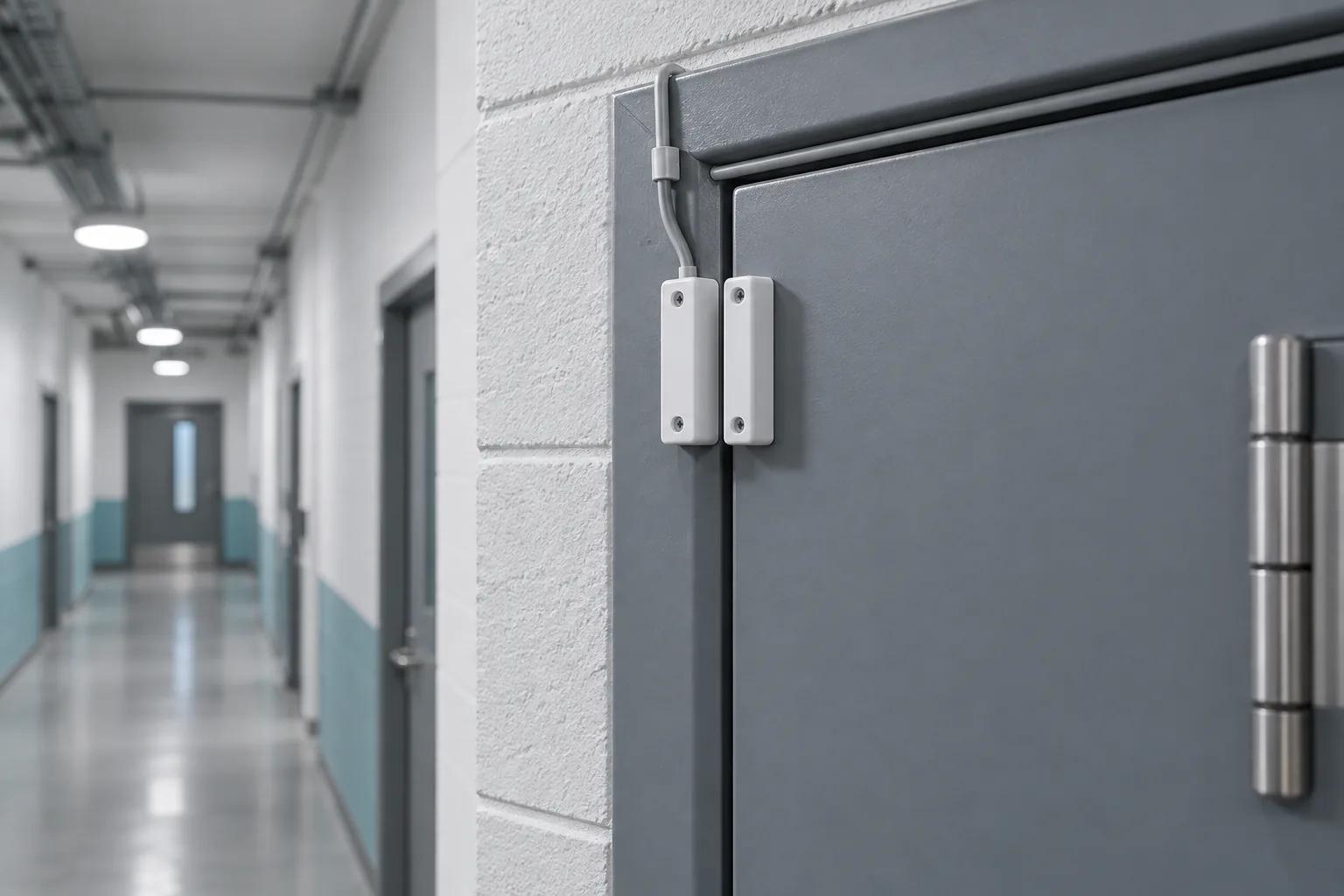
Alarm & Events
Supported events connect the field condition with acknowledgement, response and a completion record.
Explore Alarm & Events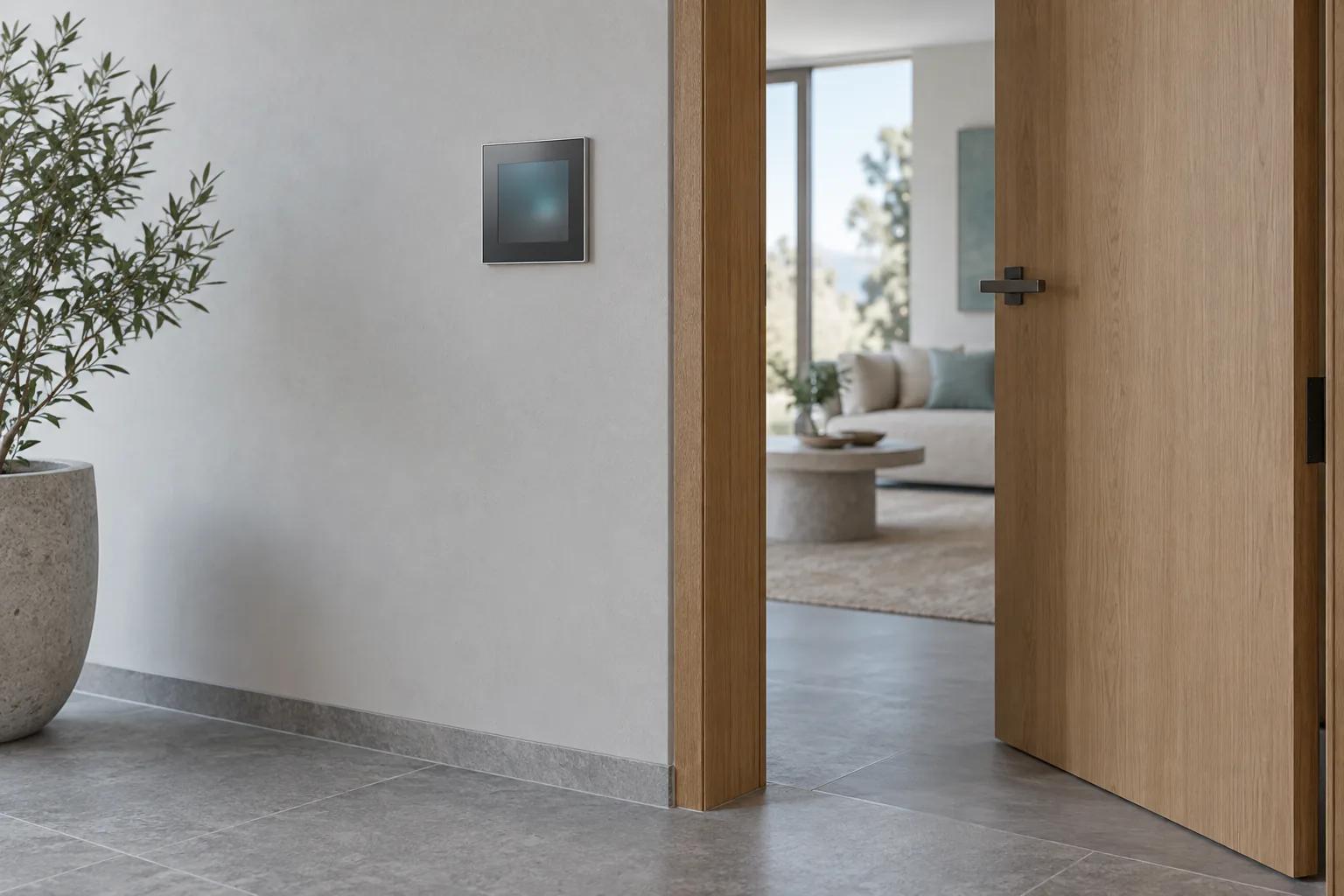
User Interfaces
Role-based interfaces connect occupants, staff and operators with the information and actions relevant to their task.
Explore User Interfaces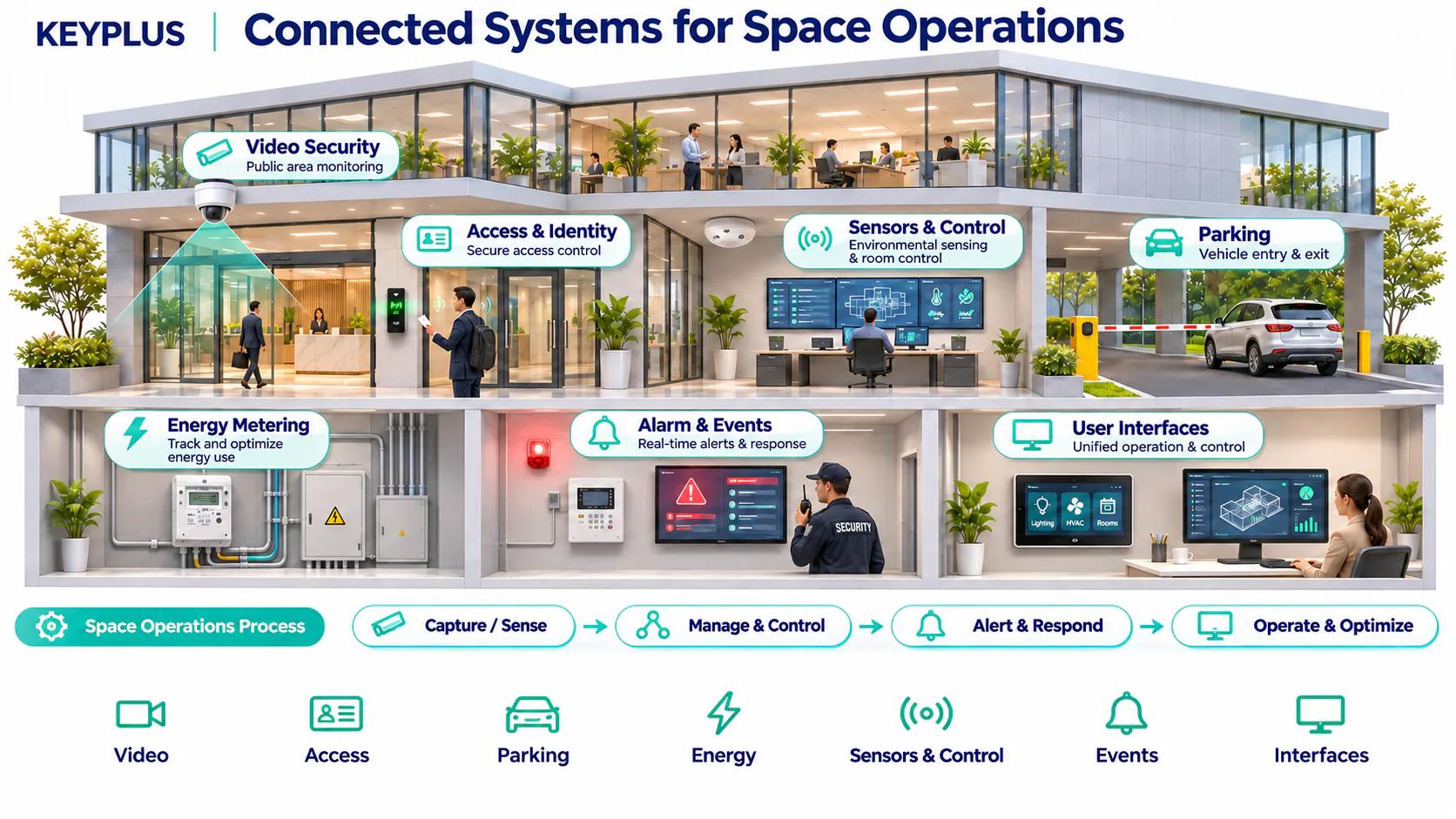
Build the system as a dependable chain
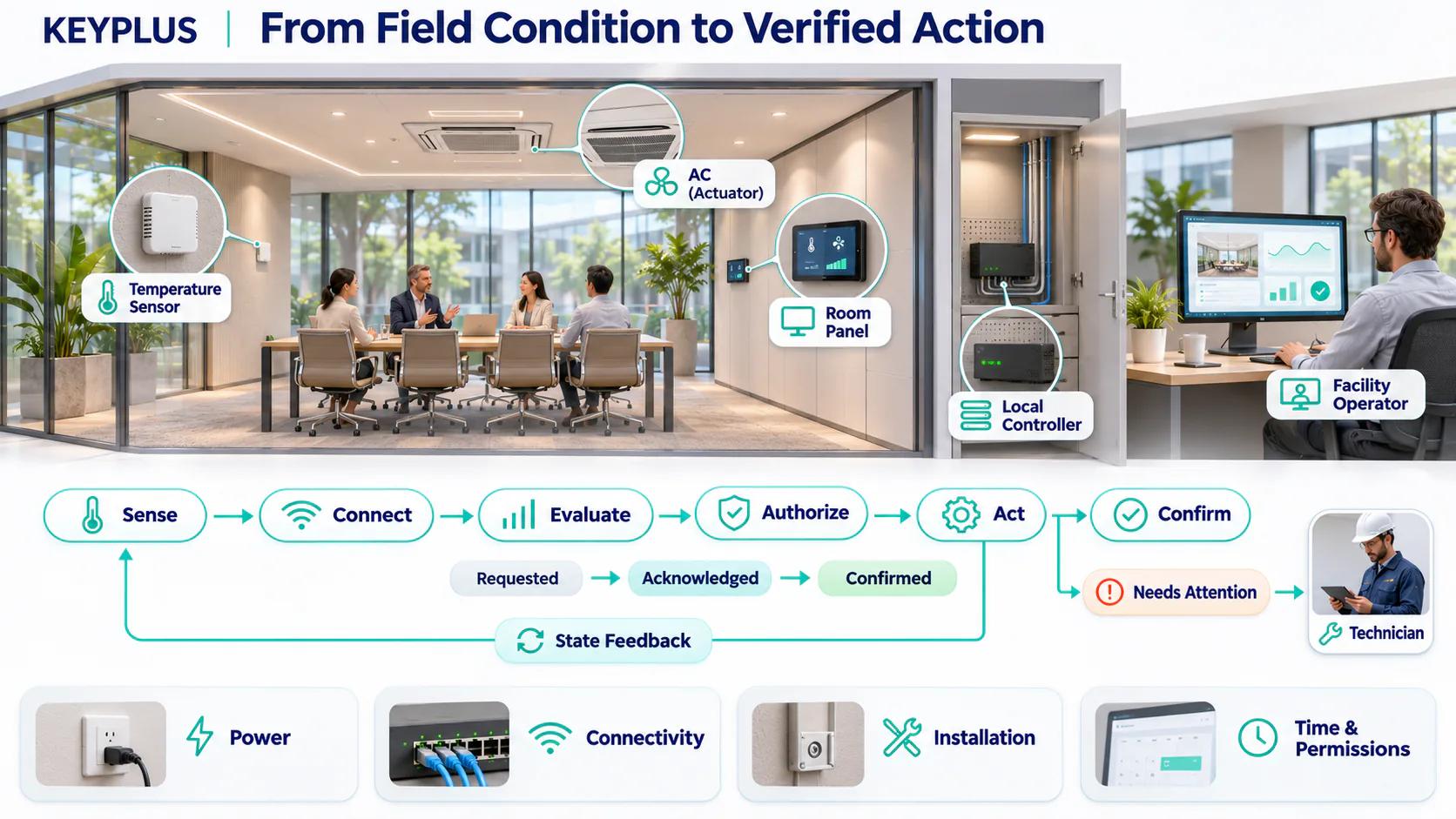
A dependable system connects the field condition to the user who can act: sensing, communication, system logic, permissions and feedback form the full chain. Power, installation, time alignment and failure behaviour determine how that chain operates beyond the device specification.
What KEYPLUS integration adds
Integration can associate an event with the relevant location, device, operating rule and responsible team. A door exception may lead to authorized video review; a room condition may become a facilities task; an energy deviation may be considered beside available operating context. Exact data and control scope is confirmed by product, version and project.
Add intelligence inside the appropriate system
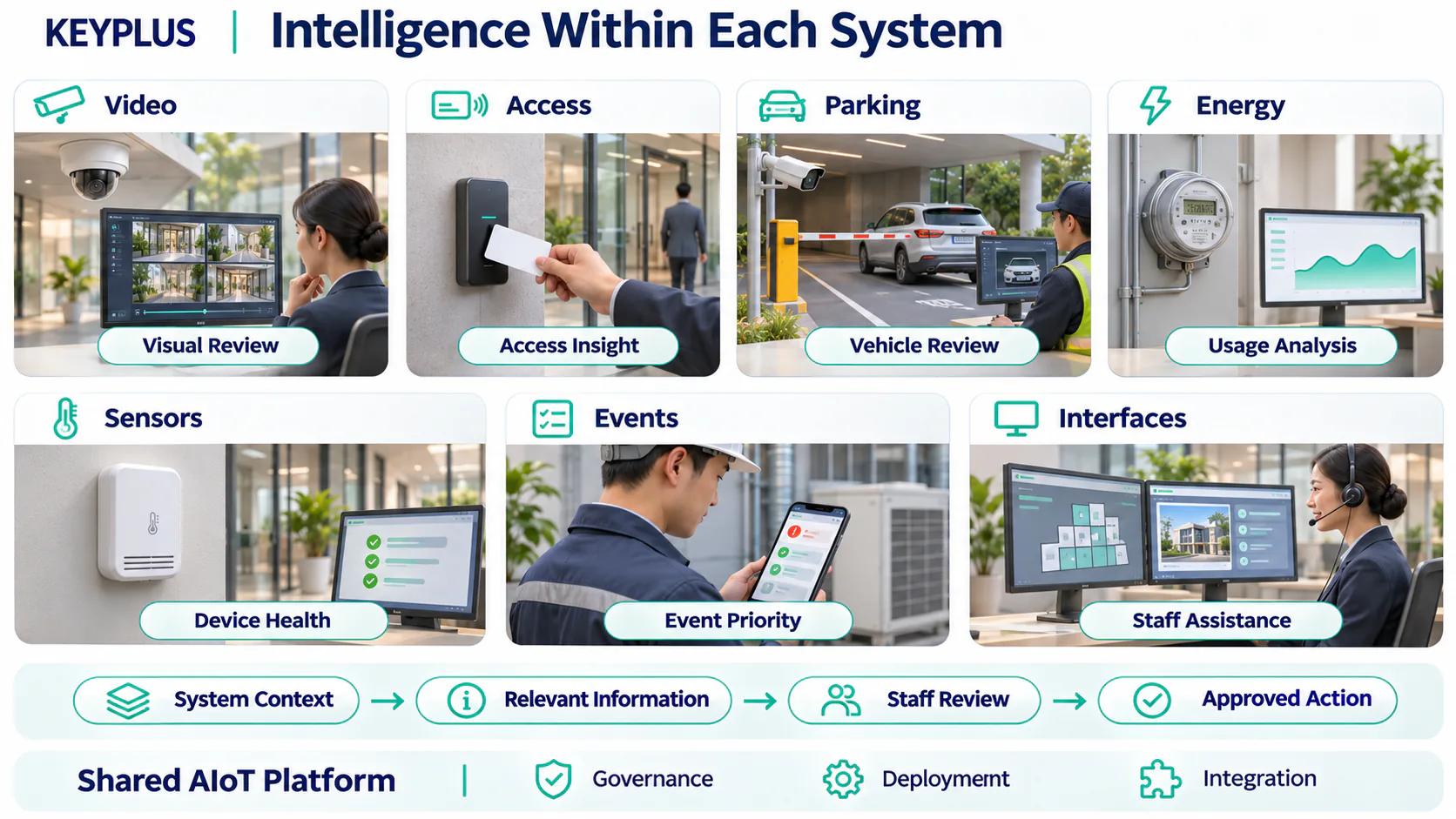
Each system page explains its relevant rules, analytics or AI: visual detection, access exception insight, vehicle-recognition review, energy analysis, device-health patterns, event prioritization and role-aware assistance. The AIoT Platform section covers shared intelligence, governance, architecture, deployment and integration across systems.
Existing Systems, New Connections
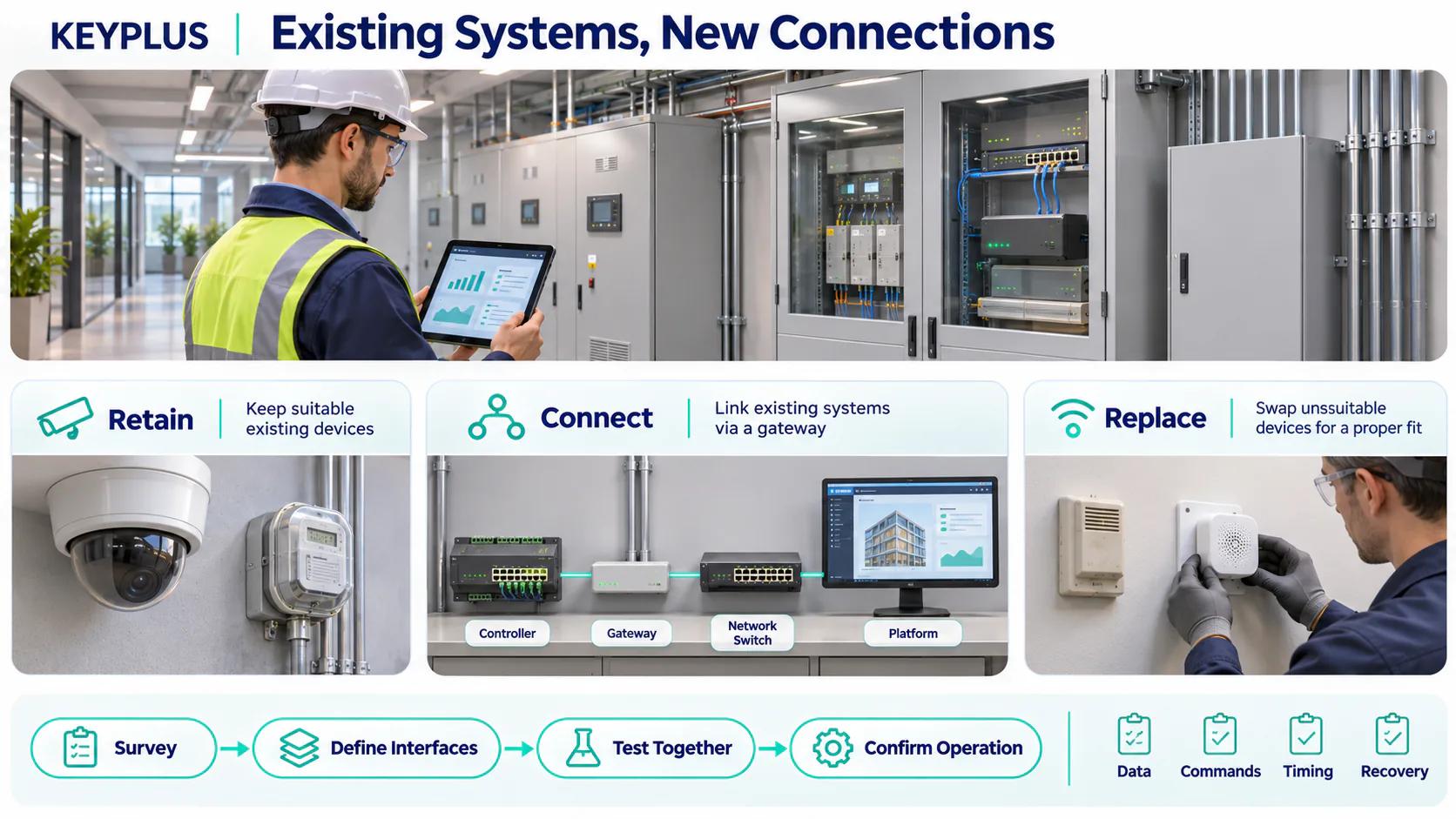
Existing equipment can remain where its functions and tested interfaces serve the intended workflow. The system design combines retained hardware, new connections and targeted replacement, rather than assuming that every device must change or that a shared protocol guarantees full compatibility.
Seven Systems, One Operating Context
Explore video, access, parking, energy, sensors, alarms and user interfaces alongside the AIoT platform that connects their information.
A Connected Path from Device to Outcome
Trace the field condition through power, connectivity, interfaces and application logic to the responsible user. For a command, include acknowledgement and available physical-state feedback. Existing equipment can remain where it meets the function and acceptance requirements. A matching protocol name is a starting point for testing, not proof of complete interoperability.
System architecture questions
Are all seven systems required?
No. The initial scope can focus on the domains serving the first operating workflow, with other connections added as the project grows.
Is every device manufactured by KEYPLUS?
Supported sourcing and model lists are defined in the proposal and may include selected ecosystem devices.
How is interoperability confirmed?
Interoperability is demonstrated through the data, commands, timing and failure behaviour of the intended products and versions.
Should hardware replacement come before integration planning?
Integration planning comes first. The equipment survey shows which devices already serve the required workflow and which functions need a new connection or replacement.
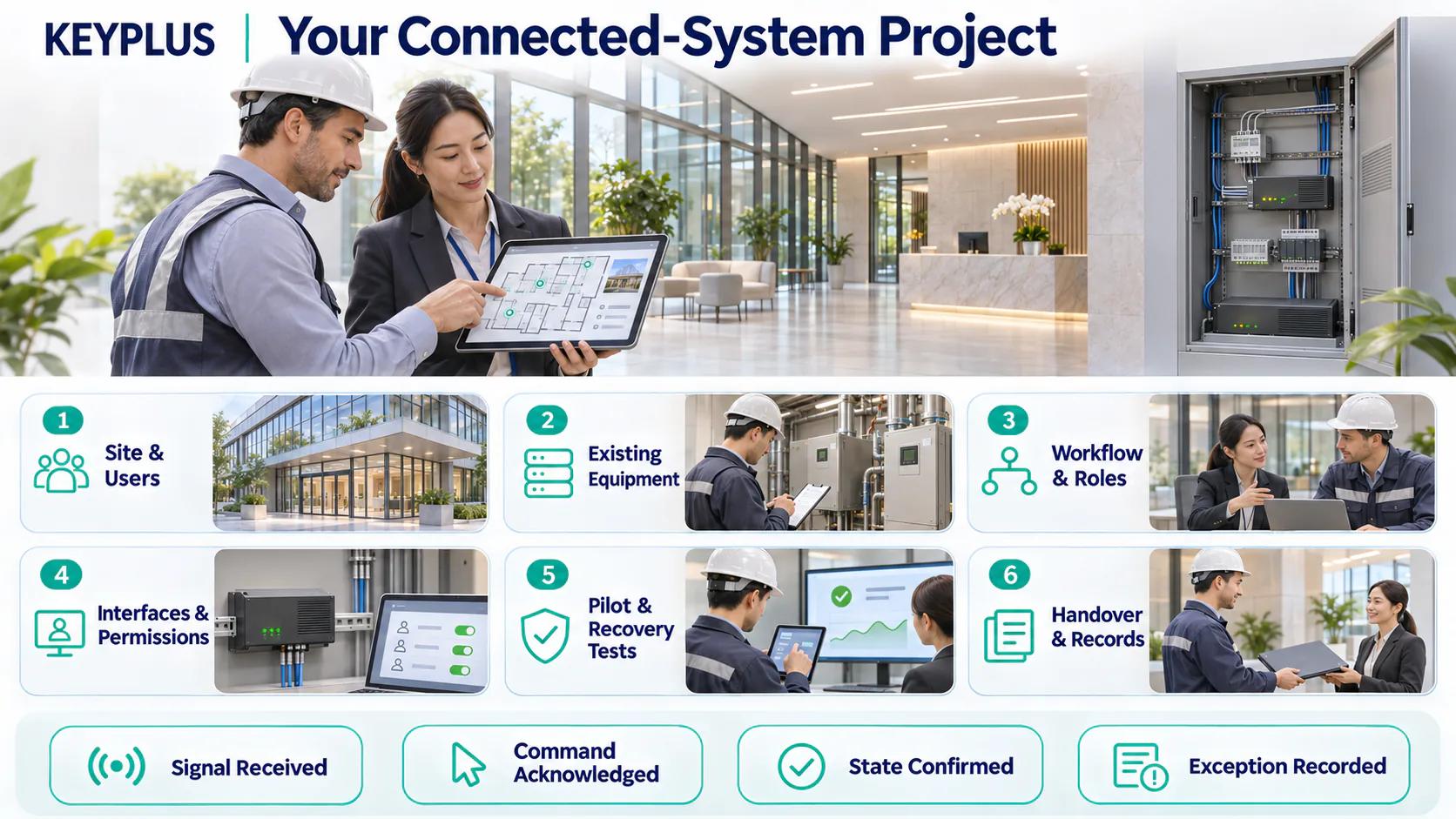
Your Connected-System Project
Each system has a distinct field role, interface and operating owner. Their combination connects the property’s equipment with coordinated service, security and facility workflows.